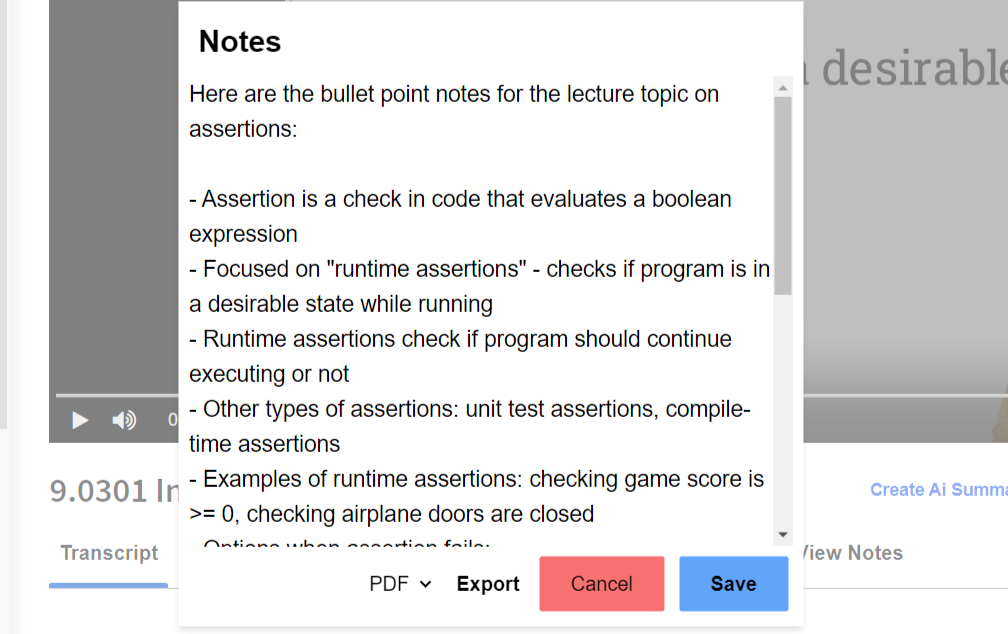
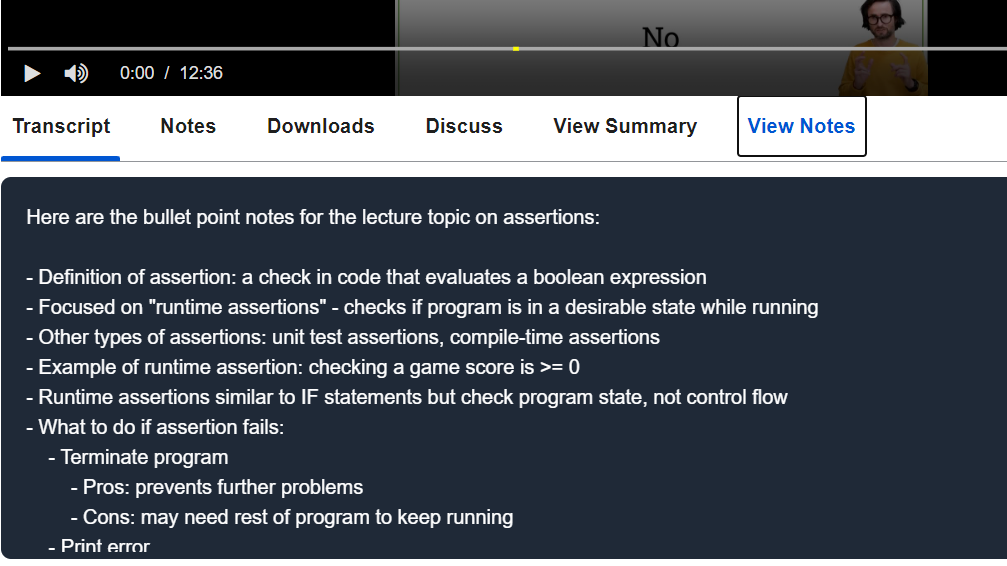
Built to help students retain course content effectively, this browser extension streamlines note-taking on Coursera by generating structured summaries and storing them for easy access and review.
Key Features
-
Flexible Note Styles
Automatically generates notes from Coursera video transcripts in multiple formats:- Summary
- Bullet Points
- Paragraphs
- Concept Maps
- Question & Answers
- MCQs
- Online Resources
-
Transcript Parsing
Extracts video transcript content directly from Coursera lectures. -
Smart Summarization
Utilizes Claude AI to produce high-quality, concise summaries. -
Firebase Storage
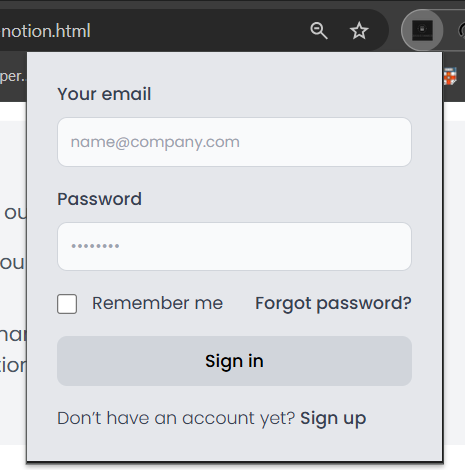
All user notes are securely saved in Firebase for persistent access across devices. -
Notion Integration
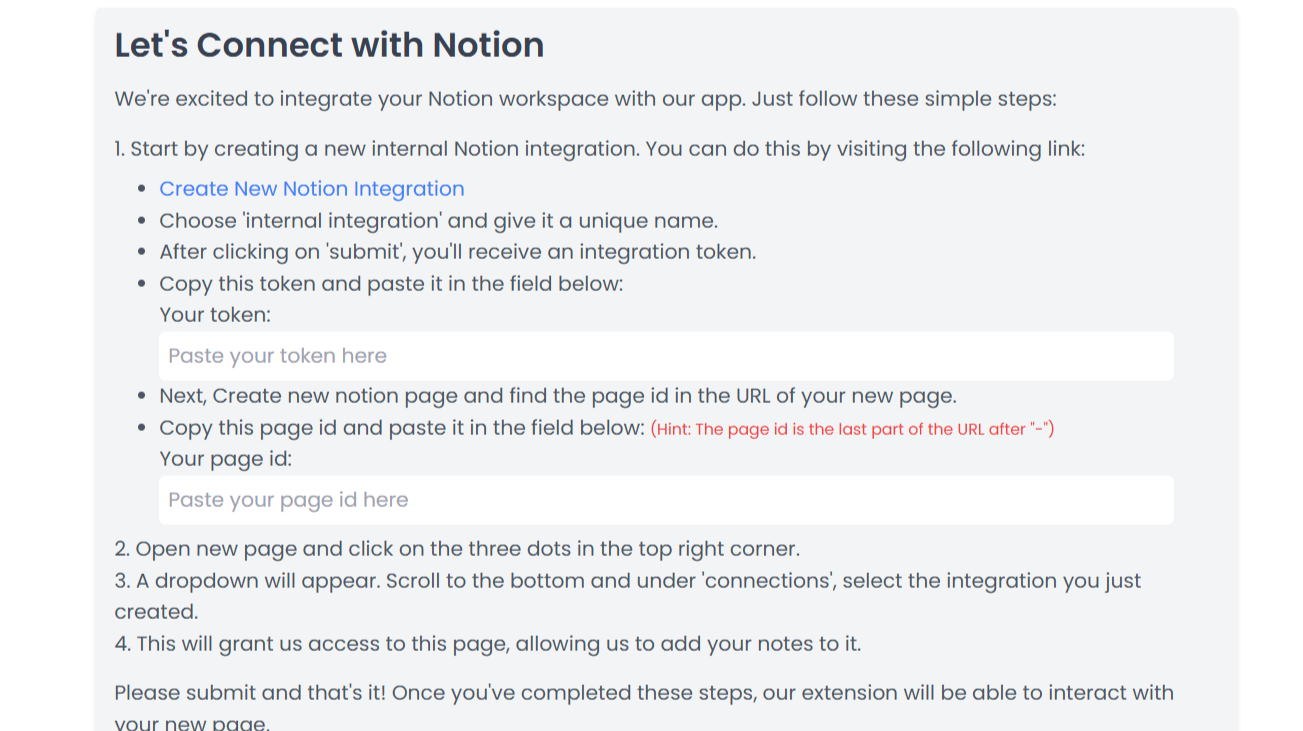
Users can link their Notion workspace to sync notes automatically, making them available in both Firebase and Notion. -
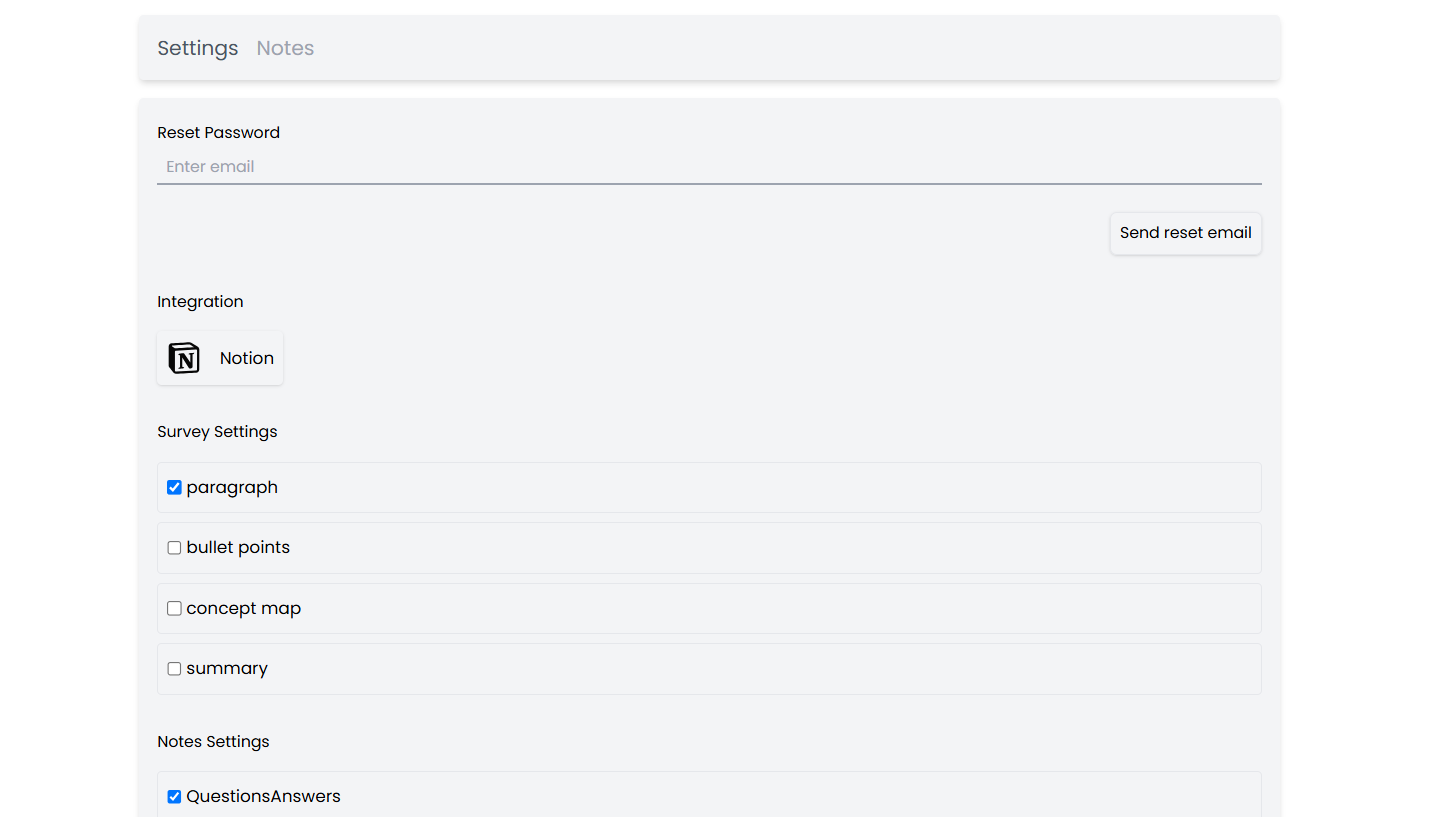
Settings Panel
Includes a full-featured settings page for:- Selecting preferred note style
- Resetting password via email
- Managing Notion integration
- Customizing survey and note settings
-
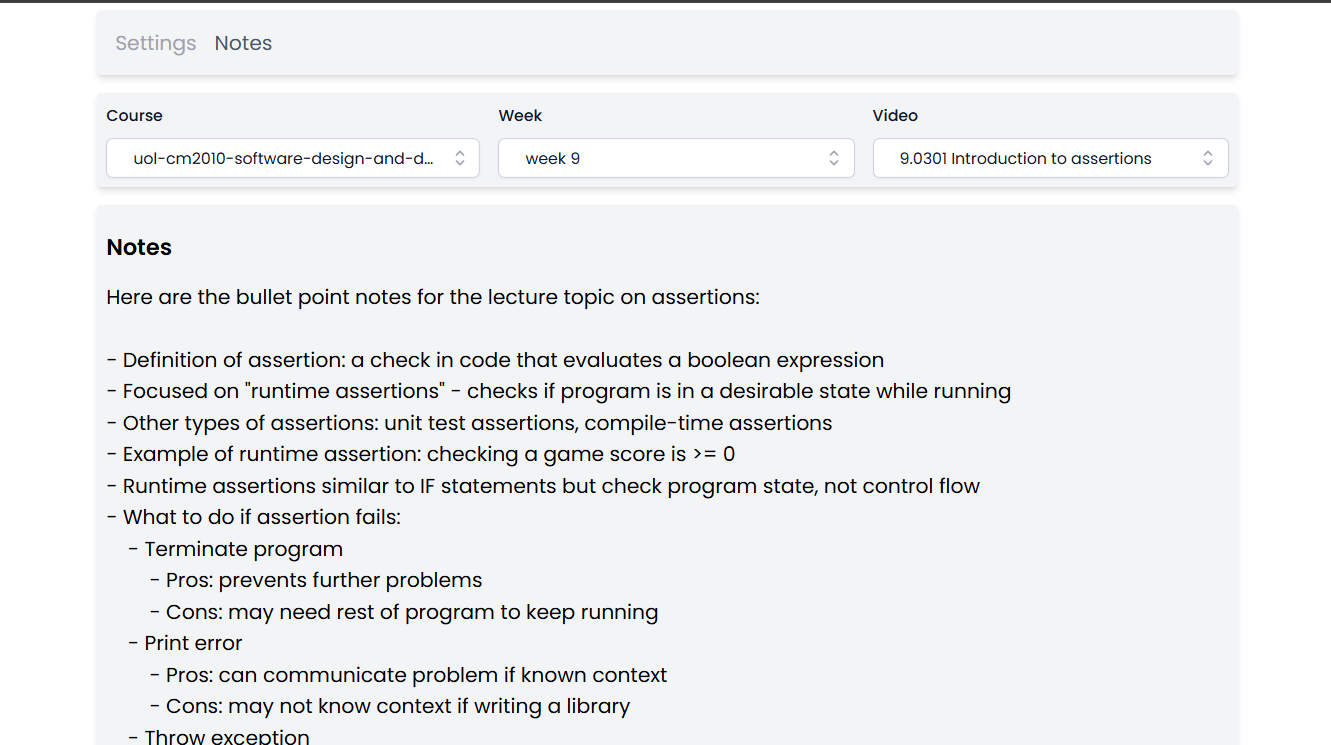
Notes Dashboard
Allows users to browse and manage notes by:- Course (e.g.,
uol-cm2010-software-design-and-development) - Week (e.g.,
Week 9) - Video title (e.g.,
9.0301 Introduction to assertions)
- Course (e.g.,
This tool is ideal for students looking to streamline their learning workflow, organize study material efficiently, and maintain a personalized knowledge base.